Why I built it
Our timetable couldn’t show the setup.
As head coach, I had the class times in a calendar and the setups in photos. I built Gym Builder so the next coach could open one lesson and see both what to teach and where every obstacle belonged.
- My role
- Head coach, product designer & developer
- Built for
- Ninja X Academy’s coaching team
- One week, several levels
- Children of different ages use the same floor. A change for one group could slip into another group’s lesson or leave the next coach working from an older plan.
- Heavy equipment, small adjustments
- Coaches carried ramps, rails and foam blocks into place to test a station. Even a small change in the landing distance meant moving equipment again.
- A photo misses the teaching detail
- A phone photo could hide the gap between blocks. It rarely showed the landing direction, the skill progression or what to tell a child on their first attempt.
- A lesson another gym can recognise
- For a franchise coach, a folder of photos leaves room for interpretation. I wanted each location to receive the same station names, camera views and Ninja X lesson format.
Early modelling
Building a digital version of our gym.
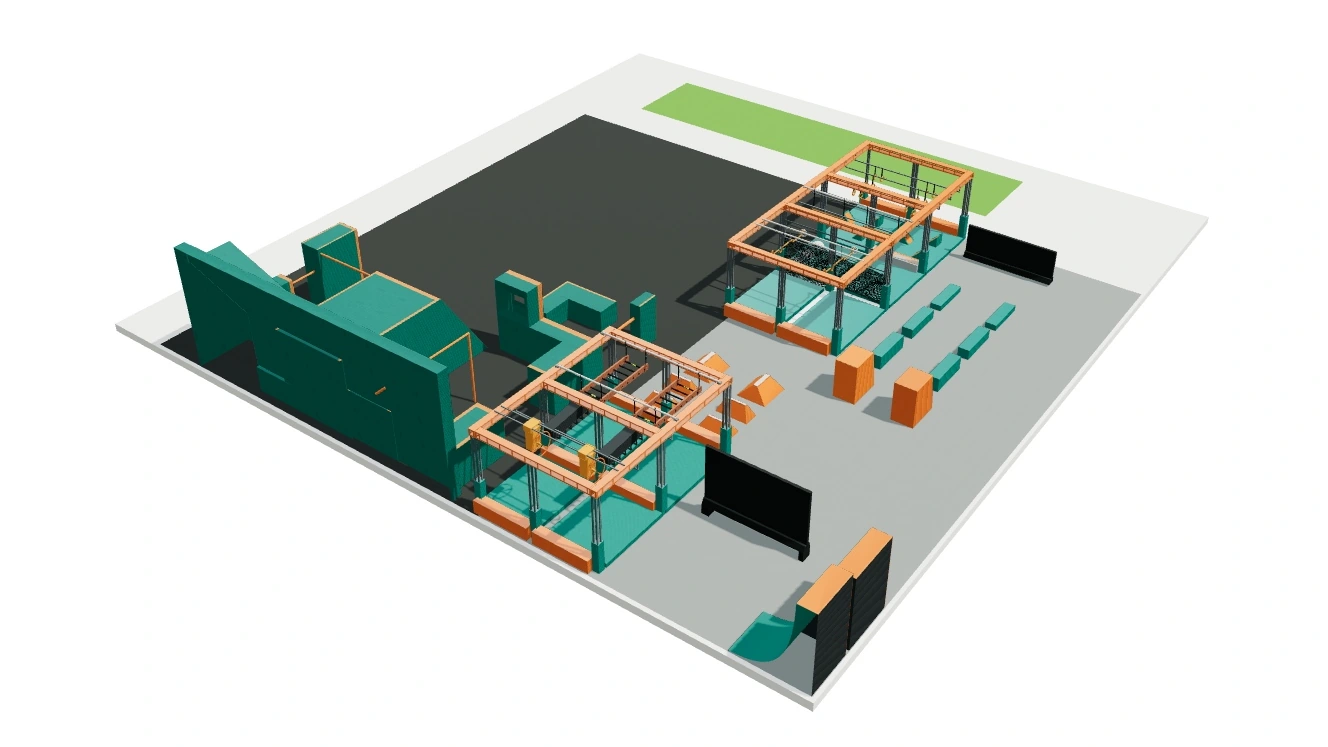
I used the venue plan and footage from the gym to position the fixed rig and curved wall. With those landmarks in place, I added the equipment coaches rearrange for each class.
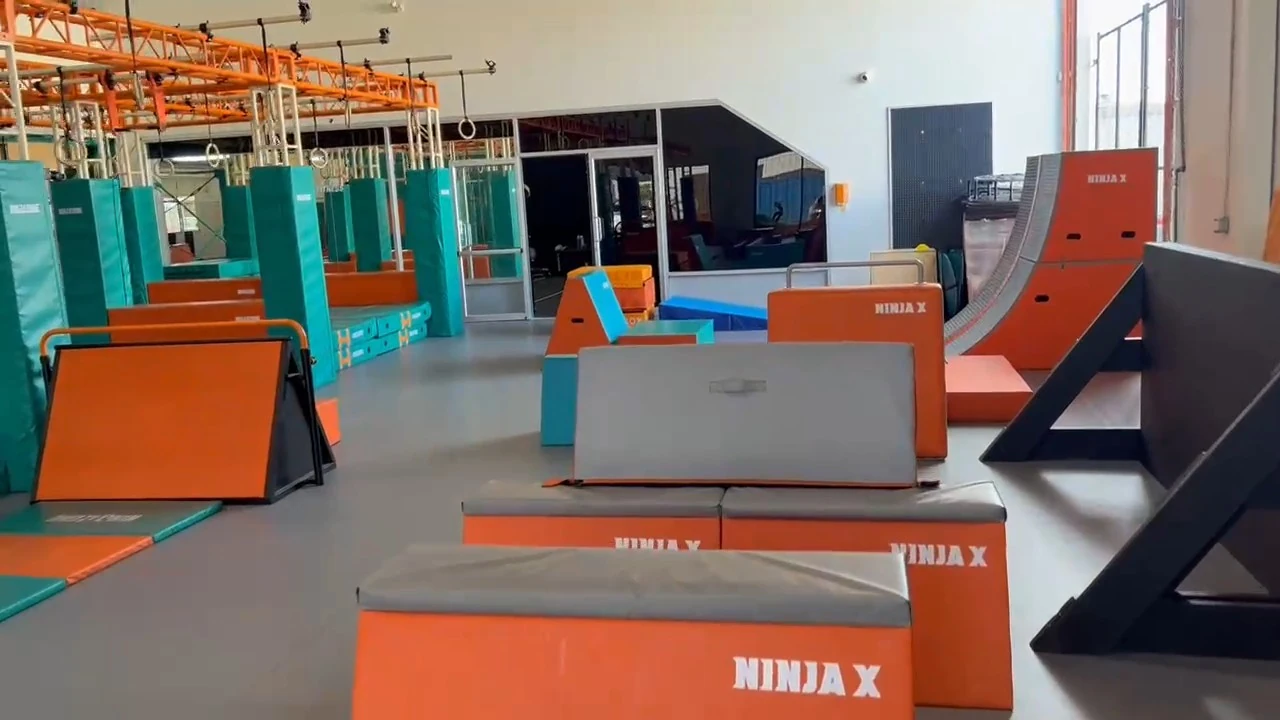
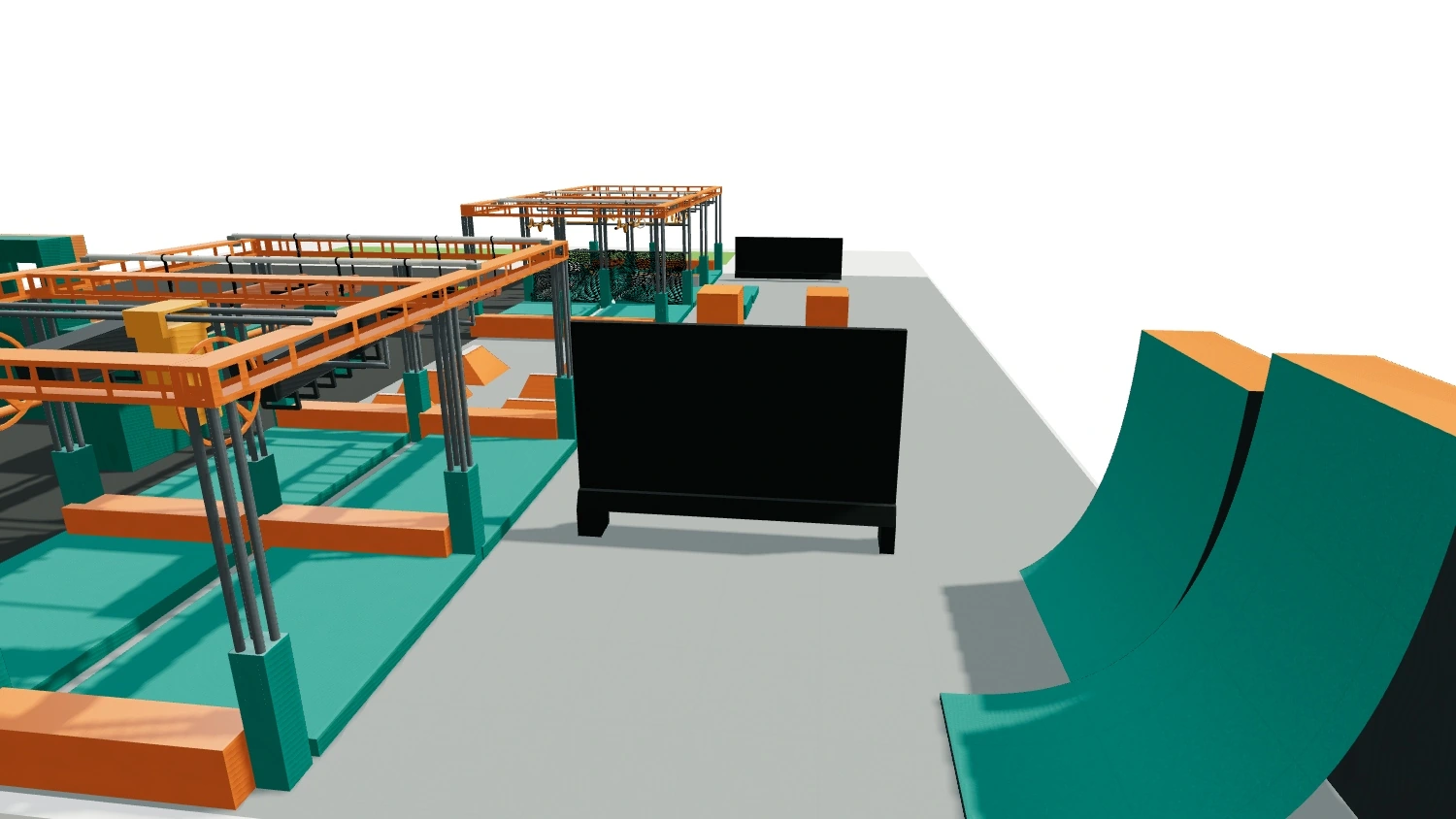
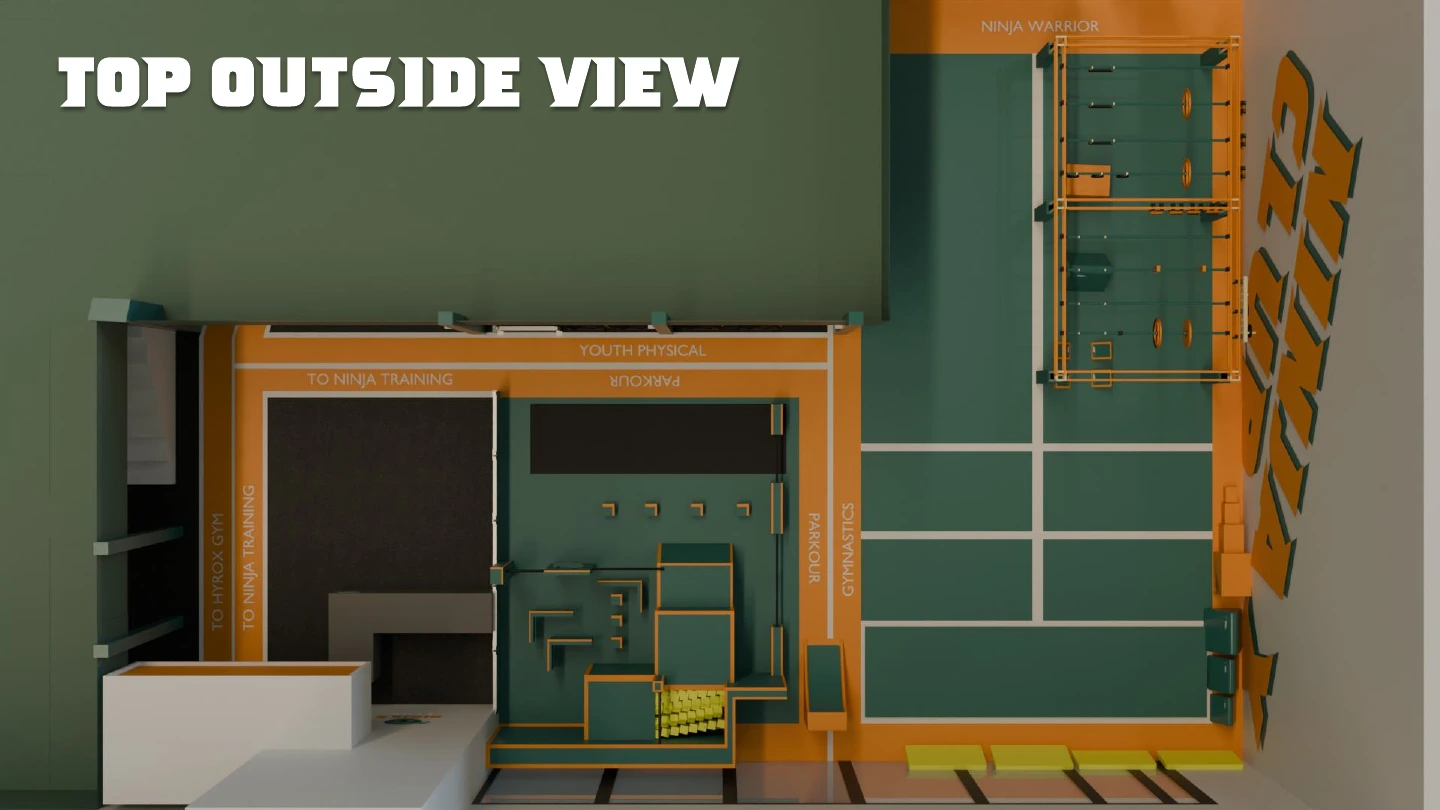
Working out the details
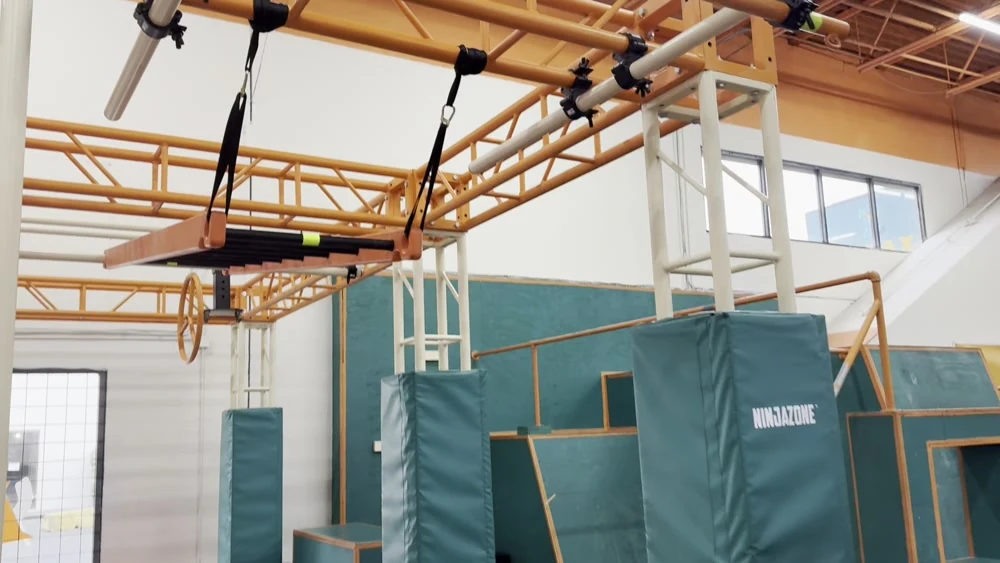
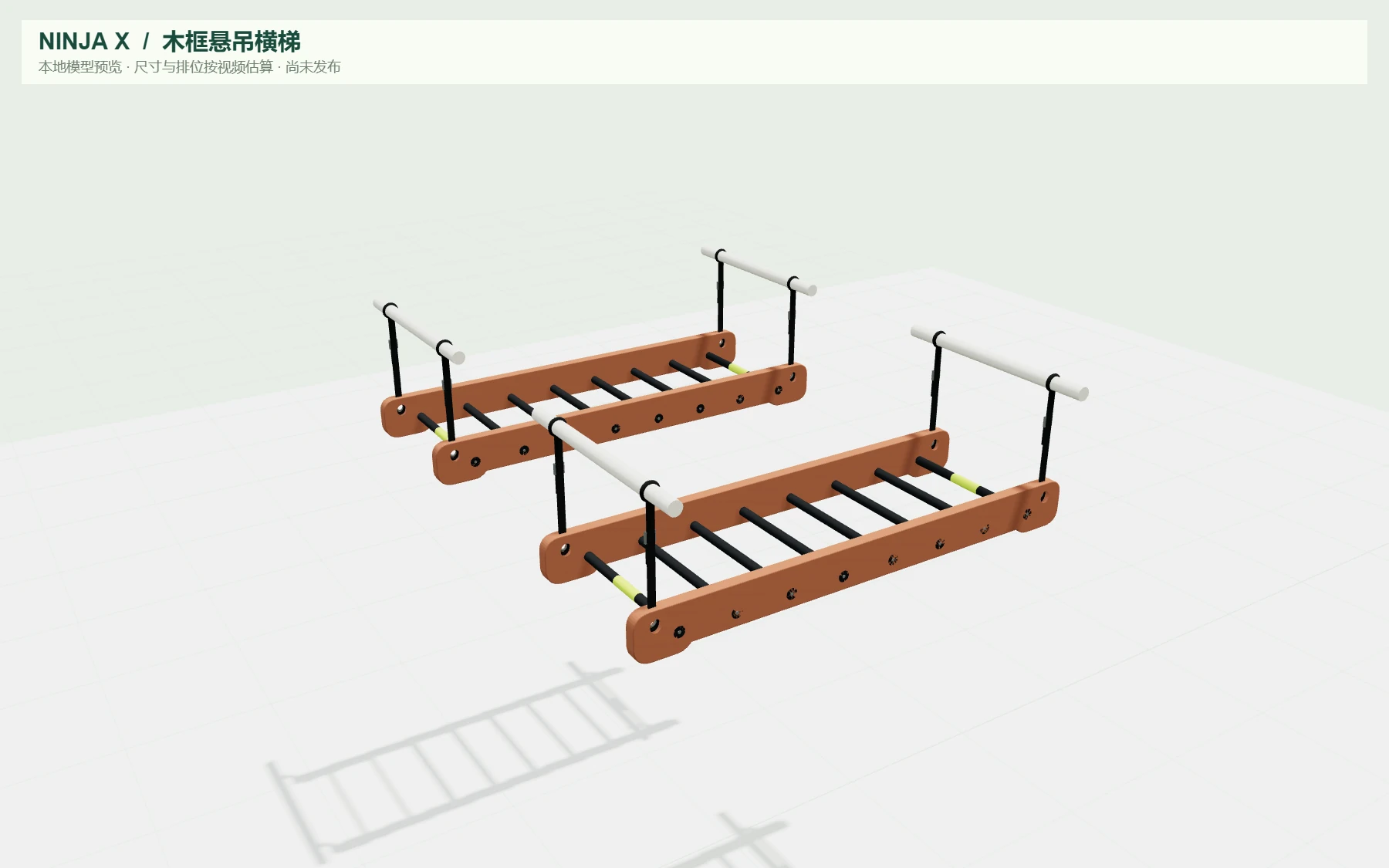
I checked the layout from above, then used close-up references to model smaller details like the wooden ladder’s rungs and suspension straps.
Inside the product
How a coach builds a lesson.
Before class, a coach can check the week’s stations, arrange them in 3D and hand a colleague the setup plan.
The coach handoff
One lesson, ready for the floor.
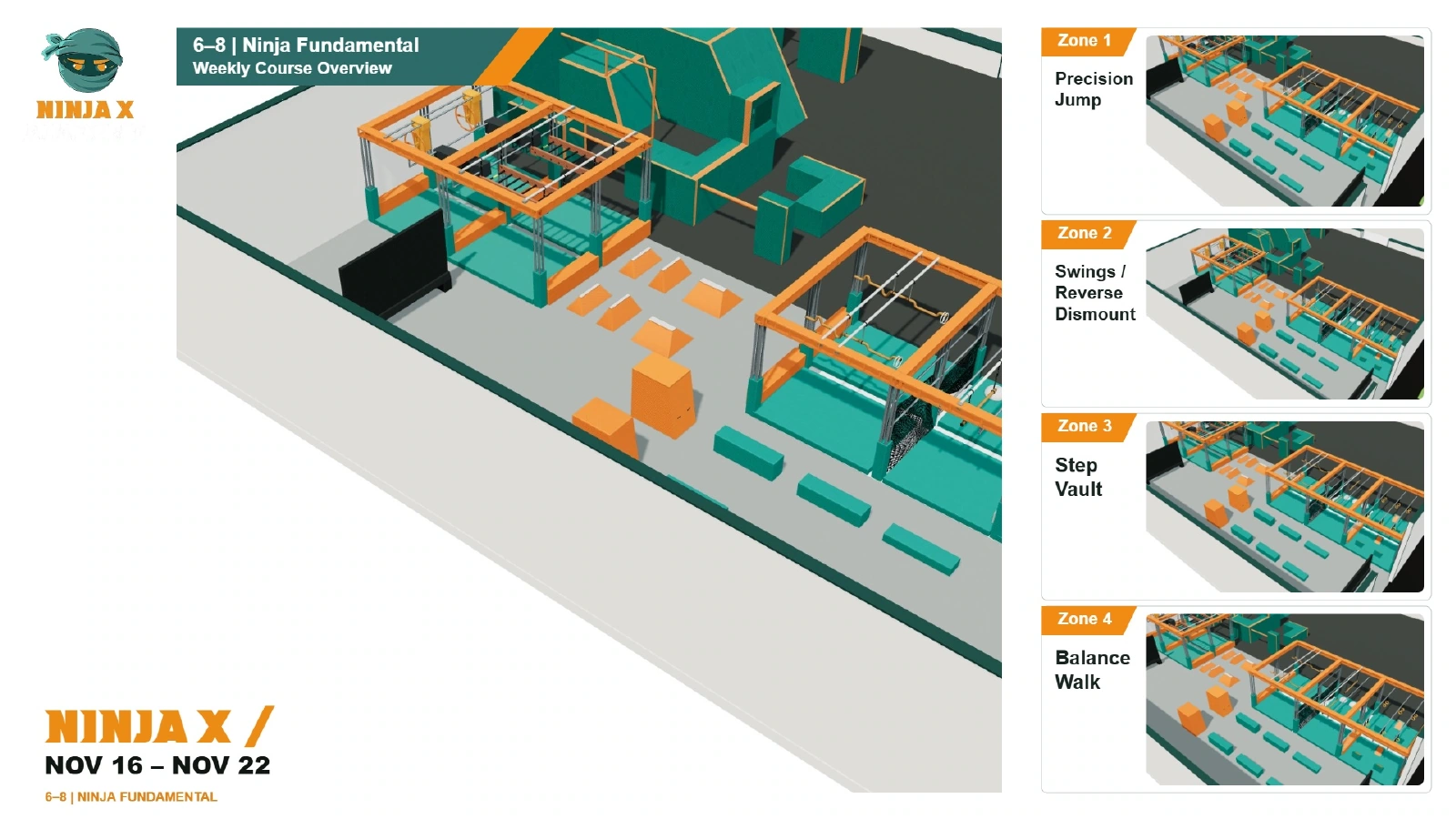
Gym Builder exports the teaching notes and equipment views in one branded PDF. A coach at another location can follow the warm-up, identify each station and set it up from the same view.
Open the three-page sample lesson (PDF)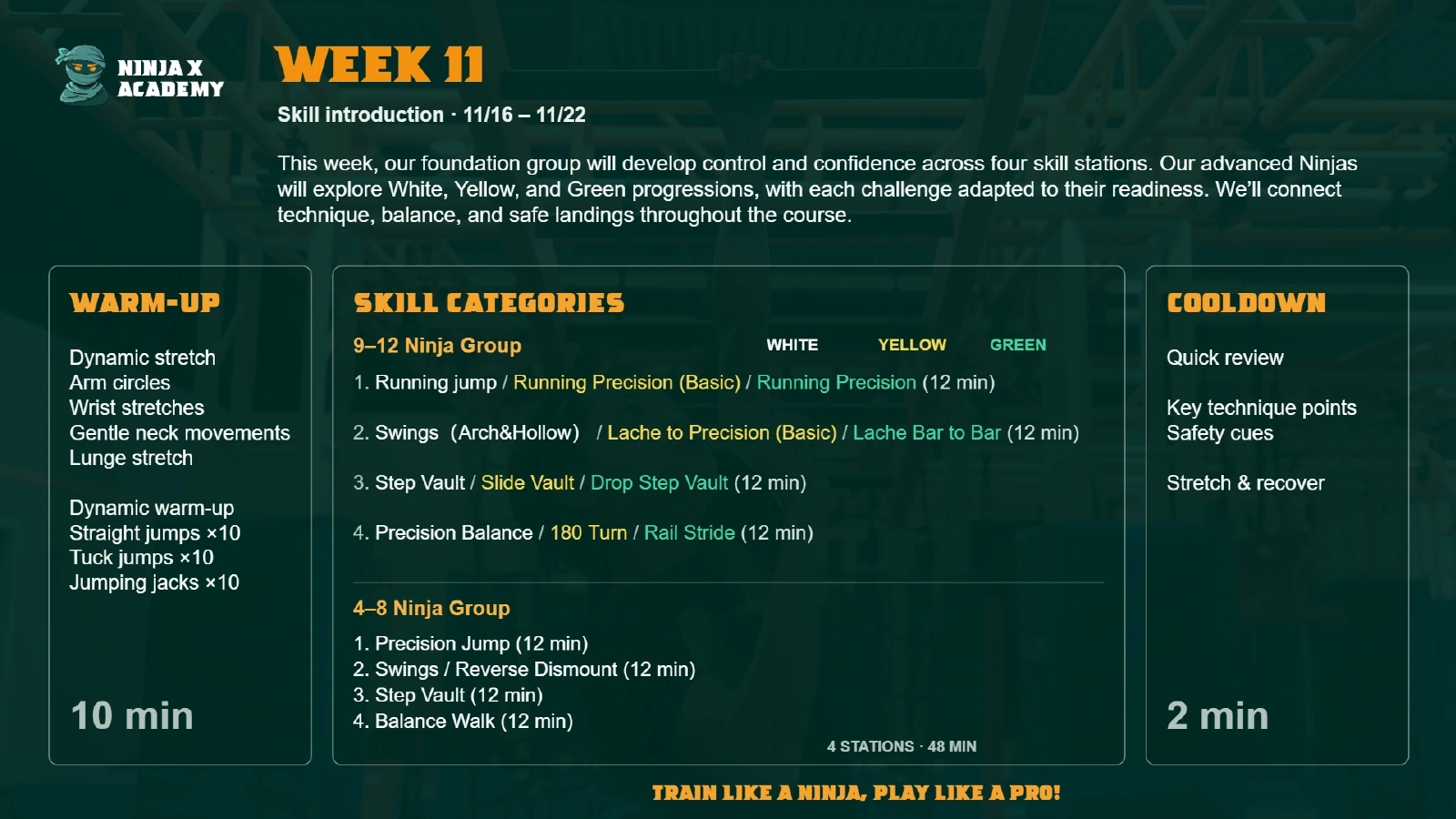
Coach trial
Testing the handoff
I invited a coach to edit a test lesson and could see their saved changes. The PDF tool still marked the lesson as unsaved and blocked the export.
I changed the export to wait for the latest save. If another coach has saved a newer version, the editor flags the conflict before generating the handout.